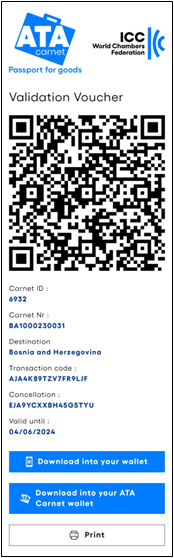
After travel arrangements are made, the ATA Carnet holder may provide the voucher(s) to a representative, who will then submit the declaration to customs
To share a voucher, the holder must:
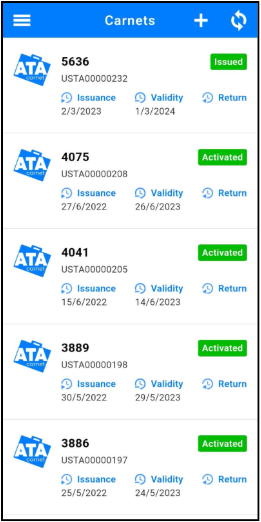
| Tap on the ATA Carnet containing the prepared travel to be shared.
|
| Tap on the Travels tab in the lower menu.
Tap on the QR code icon of the desired travel.
Swipe right to the required transaction.
Read carefully the terms and conditions and tap on the disclaimer box to accept them.
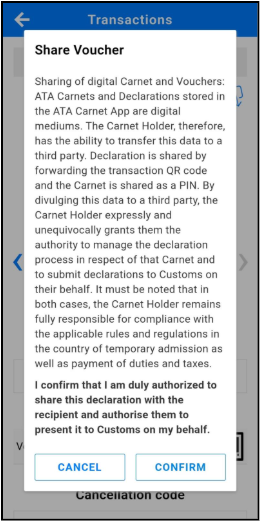
Tap on the share icon  on the top right of the screen and read the important notice on sharing a voucher. Once confirmed, select the share method of choice. on the top right of the screen and read the important notice on sharing a voucher. Once confirmed, select the share method of choice.
|
| The representative receives a URL to the voucher, which can be saved offline by selecting "Save as PDF" from the print button or downloading it into the ATA Carnet app, Apple Wallet, Google Wallet, or any app supporting 'pkpass' files.
|