TABLE OF CONTENTS
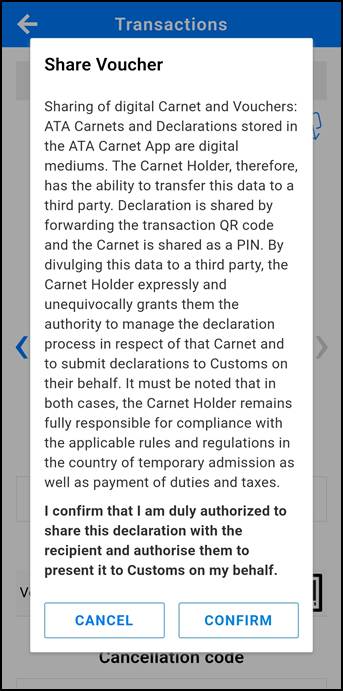
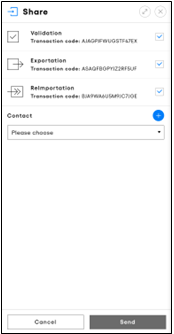
After travel arrangements are made, the ATA Carnet holder may provide the voucher(s) to a representative, who will then submit the declaration to customs. Only signed declarations can be shared.
ATA Carnet App
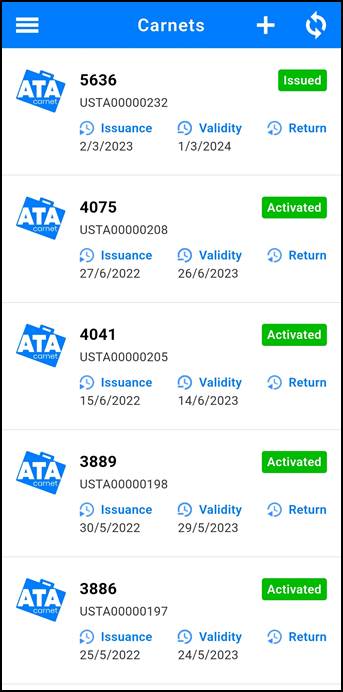
To share a voucher, the holder must:
|
|
|
|
|
|

ATA Carnet Desktop
To share a voucher, the holder must:
| |
|
|
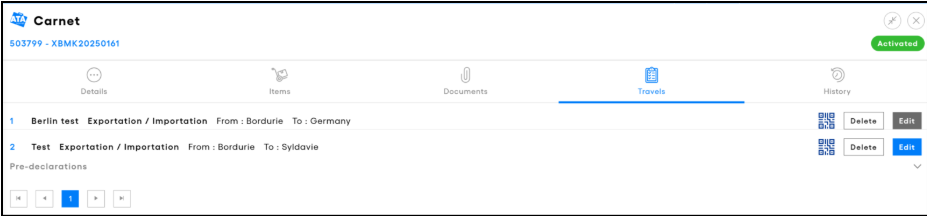
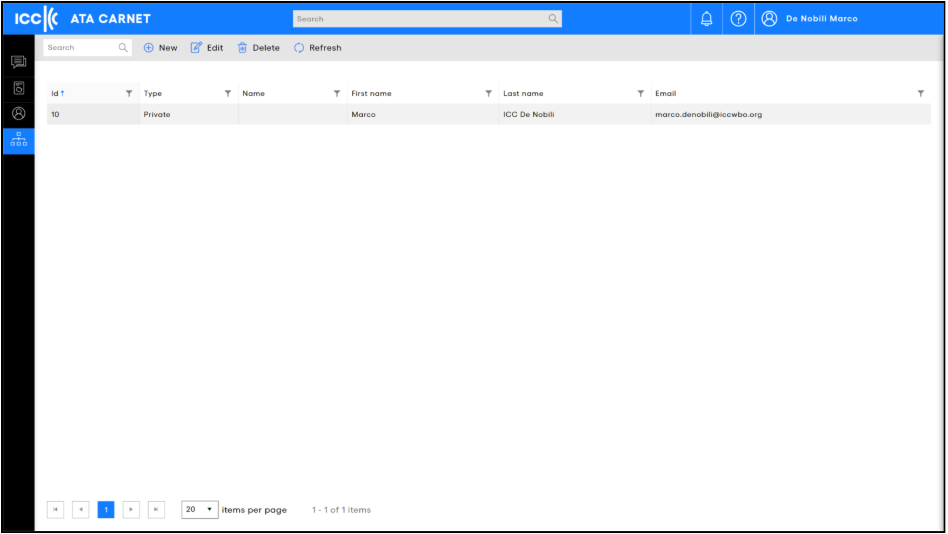
The Contacts section in ATA Carnet Desktop helps you efficiently manage and store contact details. Once a contact is saved, you can quickly select them when sharing carnets or vouchers in the future, so there’s no need to re-enter their information each time.
‘Contacts’ refers to the exporters or freight forwarders that your company, as the carnet holder, regularly shares vouchers with. Keeping this list up to date makes it simple to choose frequent recipients.
If the holder prefers, they can share the entire carnet with a representative by providing the carnet’s ID and PIN code. This allows the representative to download the carnet directly into their ATA Carnet app. However, sharing the carnet in this way should be done carefully, as the holder remains fully responsible to Customs and the issuing or guaranteeing chamber if any misuse occurs.
QR code sharing and use without the app
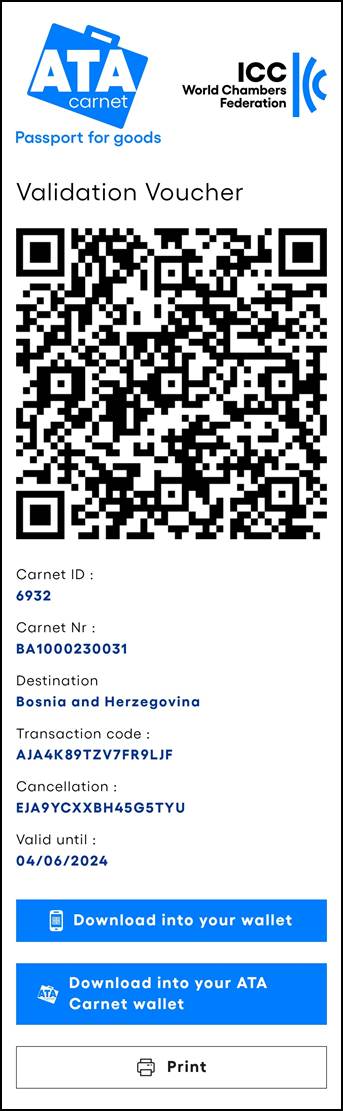
The QR code does not change when a declaration is edited.
- It represents only the Carnet ID and transaction code, not the declaration data
- If a declaration is edited, the same QR code remains valid
➡️ A QR code that has been saved (e.g. screenshot or printout) can therefore still be used after the declaration is corrected.
The standard process allows sharing a link to access the QR code. However, in practice, an offline format may be used in certain situations, for example when:
- the representative does not use the app
- it is not practical to open links at the border
- a mobile device cannot be handed over to Customs
In such cases, the QR code can be:
– saved as a screenshot
– printed on paper
➡️ This provides a practical workaround for specific operational constraints. However, it is recommended to use the digital sharing method where possible, in line with the objective of digitising the ATA Carnet.
➡️ When using a screenshot or printout, it is recommended to include the cancellation code, in case a declaration needs to be corrected on the spot.
Was this article helpful?
That’s Great!
Thank you for your feedback
Sorry! We couldn't be helpful
Thank you for your feedback
Feedback sent
We appreciate your effort and will try to fix the article