The same account can be used for both ATA Carnet app and ATA Carnet Desktop
TABLE OF CONTENTS
ATA Carnet App
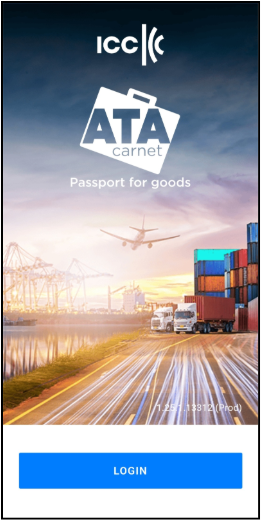
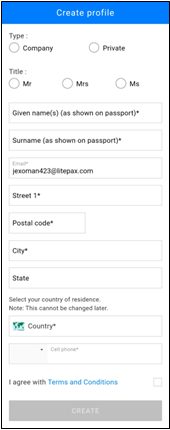
Below are the instructions to register to the ATA Carnet app.
|
|
|
The personal information you enter will be stored. If you submit declarations, this information will be used to sign your digital declarations and will be visible to Customs officials during carnet transactions.

 Please ensure that your name exactly matches the name on your passport or ID document.
|
ATA Carnet Desktop
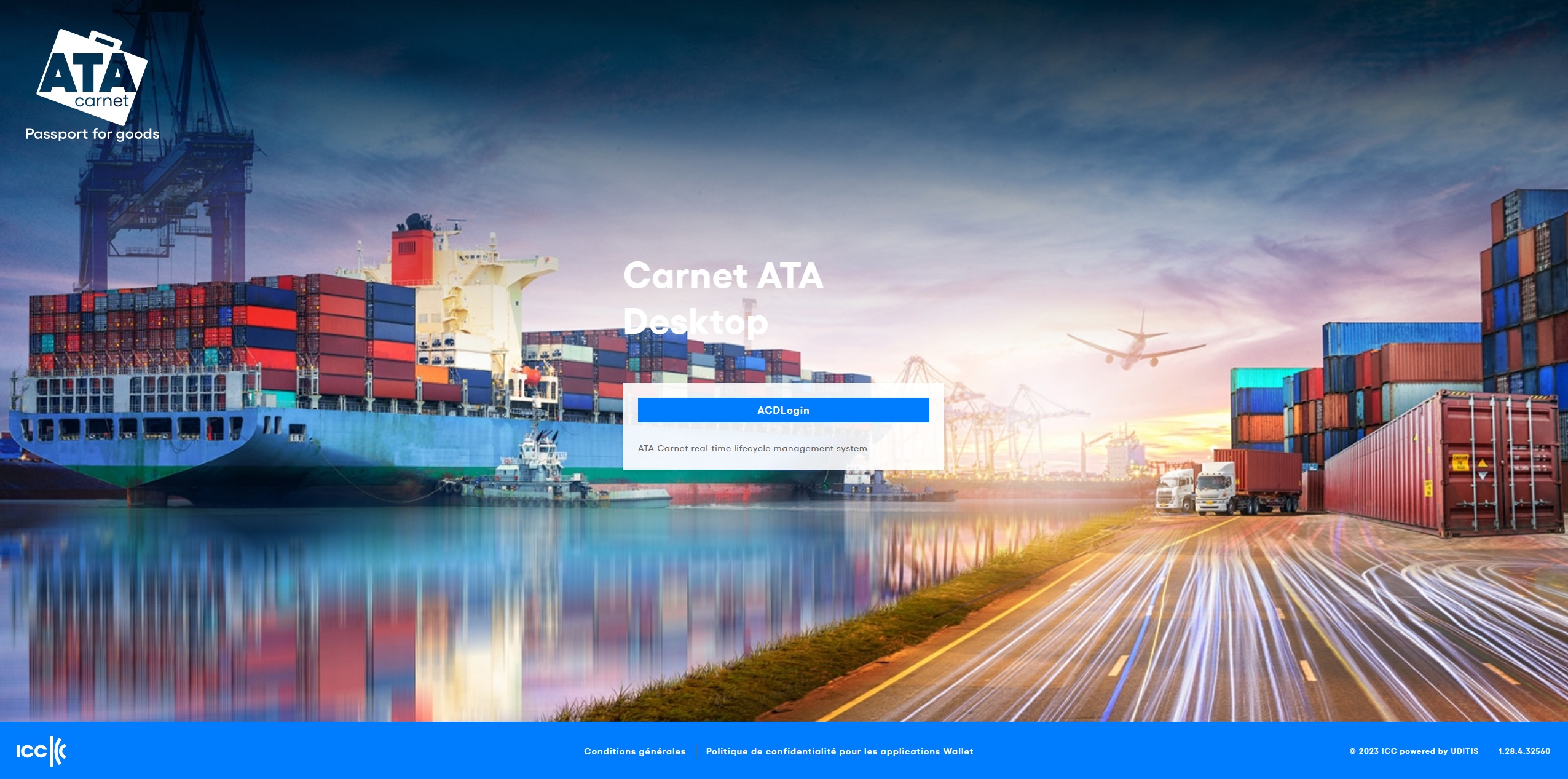
Once you are redirected to the correct URL, you arrive at the login page. Clicking on “Log In” presents options to either register a new account or access an existing one. To register, follow the instructions on screen. If you have previously logged in, selecting “Log In” will return you directly to your ATA Carnet Desktop session, allowing you to pick up right where you left off.
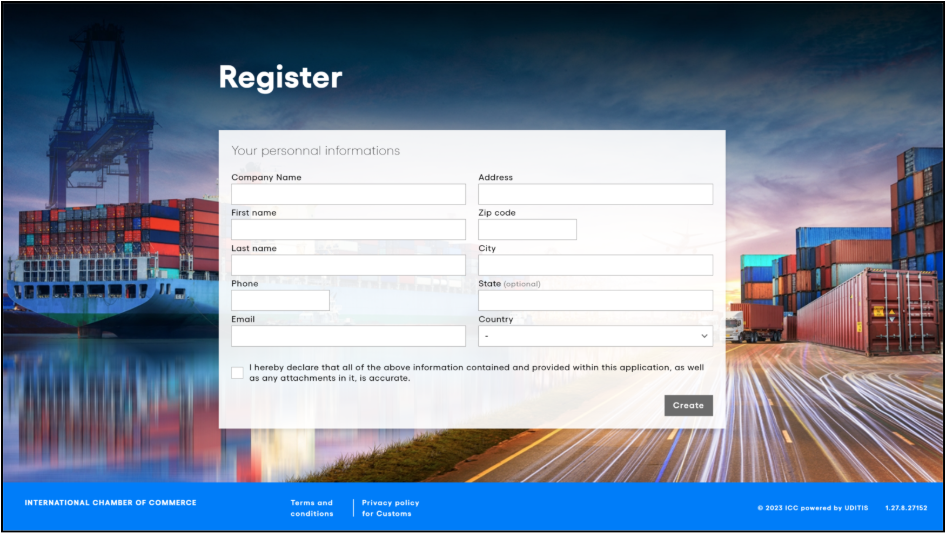
When registering for the first time, you will have to fill in the required fields and click on Create.
The personal information you enter will be stored. If you submit declarations, this information will be used to sign your digital declarations and will be visible to Customs officials during carnet transactions.

 Please ensure that your name exactly matches the name on your passport or ID document.
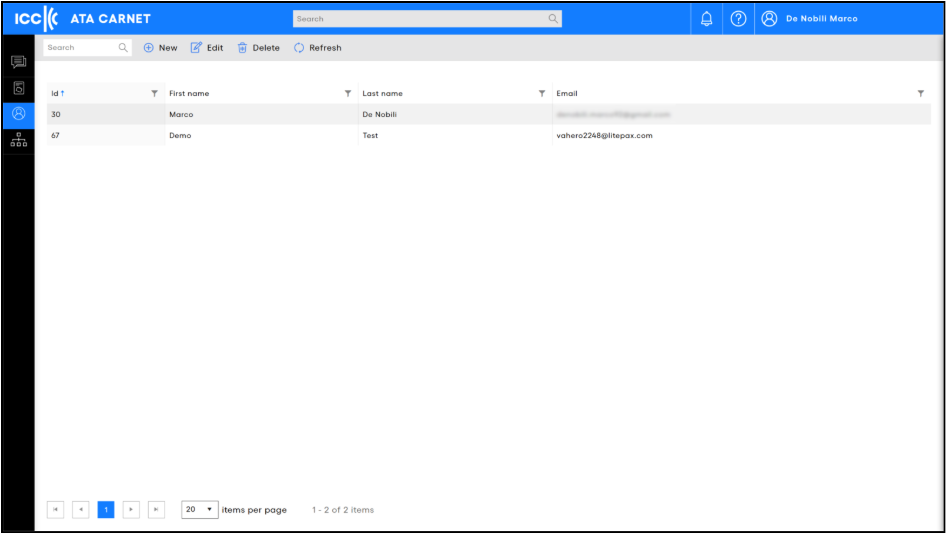
Existing account users can also create additional accounts for colleagues from the Accounts section in ATA Carnet Desktop.
The Accounts section is only available to users with a management role and lists all users connected to your company, so you can manage their roles and permissions.
Holder Manager vs Holder
In ATA Carnet Desktop (ACD), the Holder Manager role includes all the capabilities of a Holder, plus additional administrative functions.
A Holder Manager can manage the company account (users, access, carnet overview), while a Holder focuses on operational use of carnets, such as preparing travels, accessing carnets, and signing declarations.
In short:
- Holder = operational carnet use
- Holder Manager = operational use + account and user administration
Inviting colleagues (Holders) to your company account
When a user with a management role adds a colleague (Holder) from the Accounts section in ATA Carnet Desktop, the invited user’s status will appear as “Pending invitation”.
⚠️ Important: At this stage, no automatic email invitation is sent to the invited user.
To complete the process, the invited user must take the following steps manually:
- Go to the ATA Carnet application login page:
https://app-eur.atacarnet.iccwbo.org/login - Click Log In
- Create an account using the same email address that was used for the invitation
Once the account is created with the matching email address, the user will be automatically linked to your company account and their status will be updated accordingly.
This behaviour is expected and applies to Holder accounts created via the Accounts section.
⚠️ Limitation when inviting users with an existing account
If you try to invite a user whose email address is already registered as a holder account in the ATA Carnet System, the invitation will not be possible and the system will display the message:
“Email already exists.”
This means that only users who do not yet have an account can be invited directly via the Accounts section.
✅ Workaround (for existing users)
If the person you want to invite already has an ATA Carnet account, the account must first be deleted before they can be invited to your company.
This action must be performed by the user:
- Log in to the ATA Carnet mobile application (ACA)(Android or iOS)
- Go to Settings
- Select “Delete my account”
Once the account has been deleted, you can invite the user again using the same email address.
ℹ️ Why this limitation exists
This behaviour is intentional and ensures that existing user accounts cannot be reassigned to another company without the user’s explicit action, protecting account ownership and system security.
Was this article helpful?
That’s Great!
Thank you for your feedback
Sorry! We couldn't be helpful
Thank you for your feedback
Feedback sent
We appreciate your effort and will try to fix the article