TABLE OF CONTENTS
Giving the declaration to Customs
When travelling with goods and an ATA Carnet, you must complete a transaction at each customs crossing. Follow these steps:
|
|
|
|
|
|
|
|
|
|
|
|
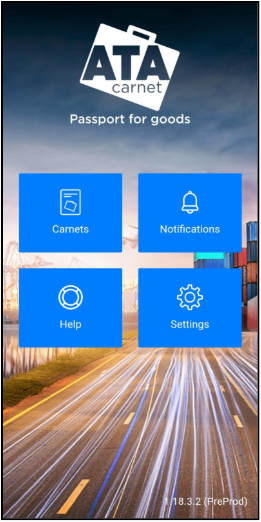
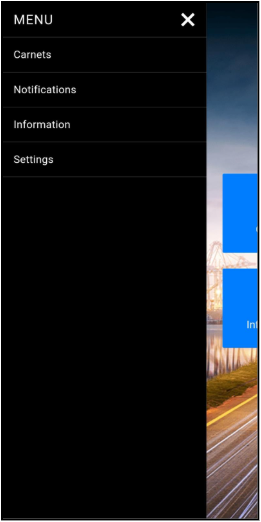
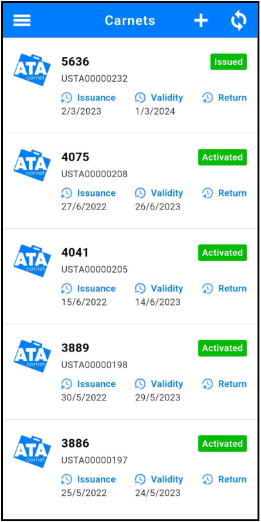
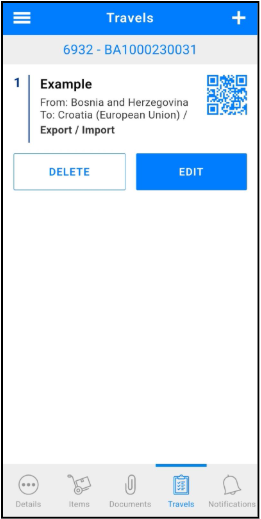
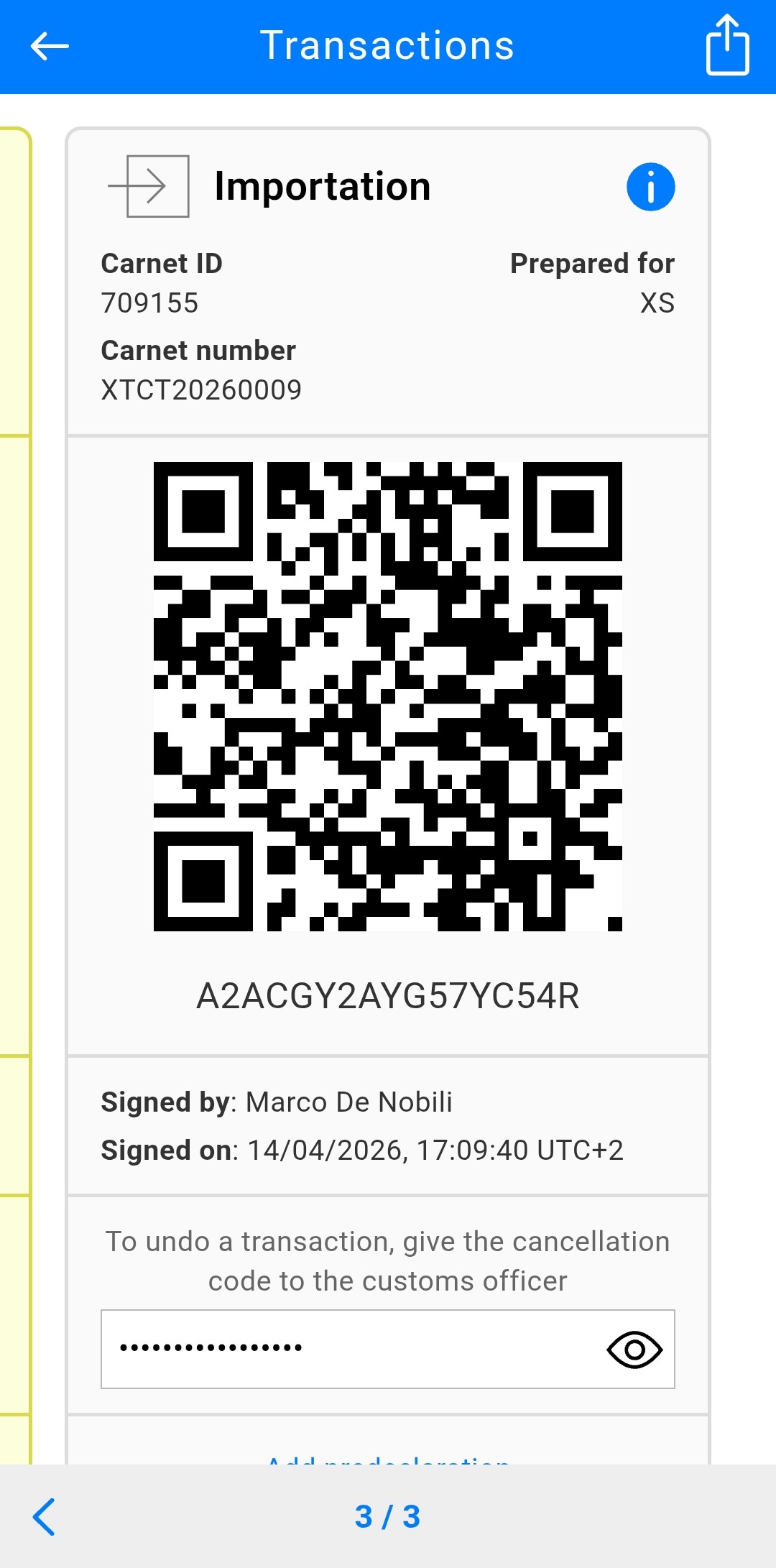
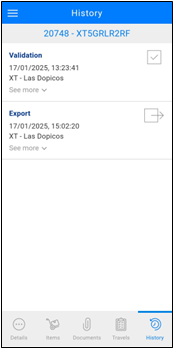
Each prepared travel automatically generates at least two transaction QR codes (1 Export + 1 Import or 1 Re-export + Re-import), plus any required Activation and/or Transit codes.
Cancellation of a transaction
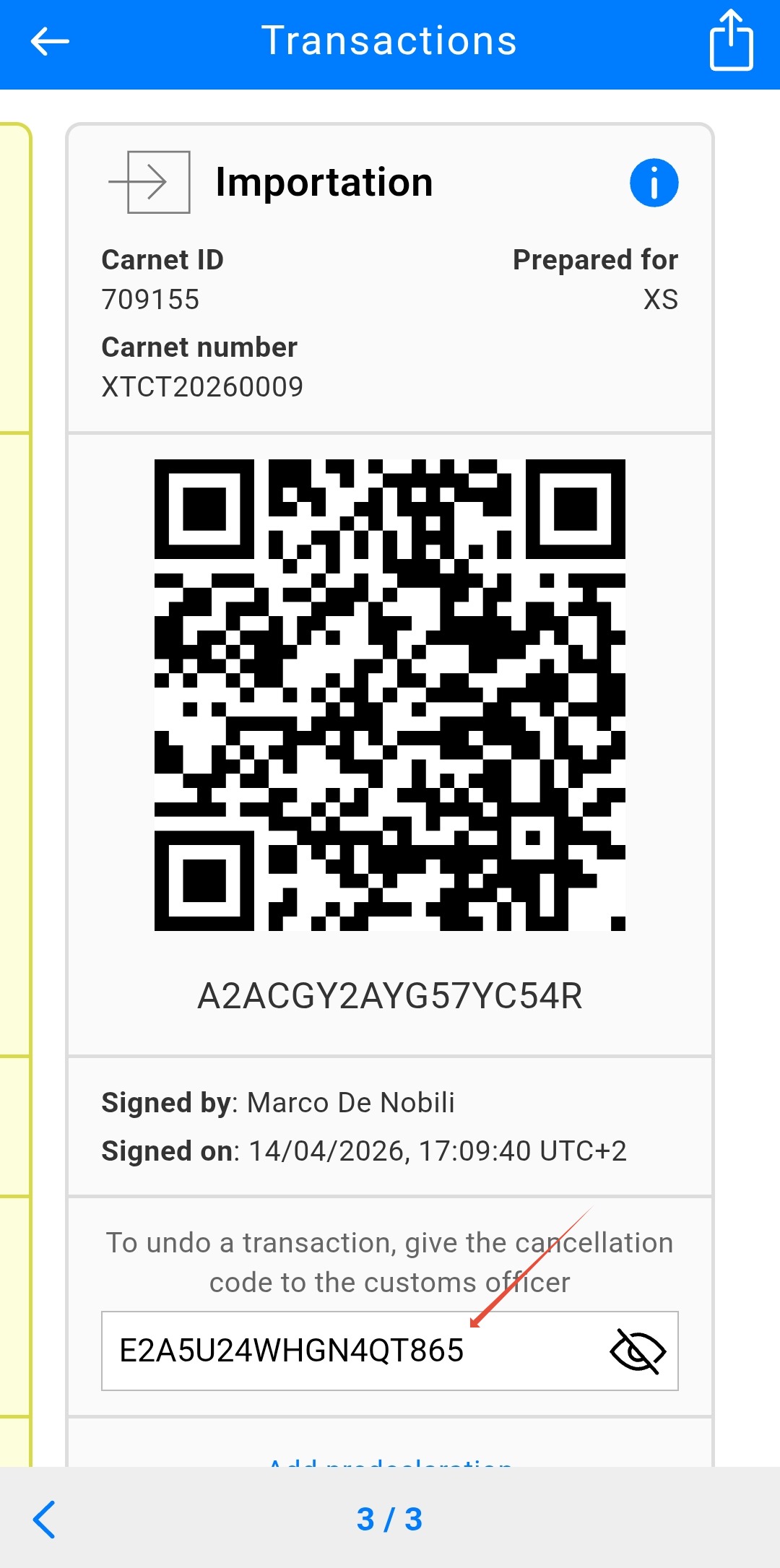
In the digital ATA Carnet system, cancelling a transaction is a procedure used when a mistake is identified in a committed declaration or if there is a disagreement regarding the processed data. Because digital transactions are recorded in real-time, this process allows the committed record to be discarded so that the holder can amend their declaration and initiate a new transaction process with Customs.
Step-by-Step Cancellation Process
|  |
Important Notes for Users
Consent Required: A cancellation can only be performed with the mutual consent of both the Customs officer and the holder/representative.

Time Sensitivity: While the system allows for cancellation, it is best practice to perform it while still at the Customs office to ensure the officer who committed the transaction can immediately rectify it.
Transaction Rejection
In the digital ATA Carnet system, rejecting a transaction is a formal action taken by a Customs officer to refuse a specific digital declaration before it is committed in the system.
Visibility and data isolation
When a transaction is rejected, both the rejection status and the associated reason are stored in the ATA Carnet Core.
This information is only visible to Customs officers within the same customs territory. It remains accessible across different shifts or ports within that country, while remaining isolated from other national jurisdictions.
Voucher preservation
A key operational rule is that rejecting a transaction does not consume the transaction code (voucher).
The corresponding digital voucher set therefore remains available in the holder’s balance.
Correction by the holder
Because the voucher is not consumed, the holder can immediately:
- Open the Travels tab in the app
- Edit the rejected travel to correct the goods list or other information requested by Customs
- Save the changes and generate a new transaction QR code, reusing the same voucher set for a new attempt
Was this article helpful?
That’s Great!
Thank you for your feedback
Sorry! We couldn't be helpful
Thank you for your feedback
Feedback sent
We appreciate your effort and will try to fix the article